


Next ferry helper
[ Snippet / Lantern Isles trip ]
Picks the next departure from the timetable.
SNP·330Saved 21·09·25Collect, visualize, and connect bookmarks, DOI papers, notes, and snippets in one focused workspace.
Paste a link or DOI, an article, some code or a quick thought. Mindex fills in titles and previews where it can, and every type keeps its colour on your map.
Save on your current device with Free, or sync across devices with Pro. Export your collection whenever you need a backup.
Compare Free and Pro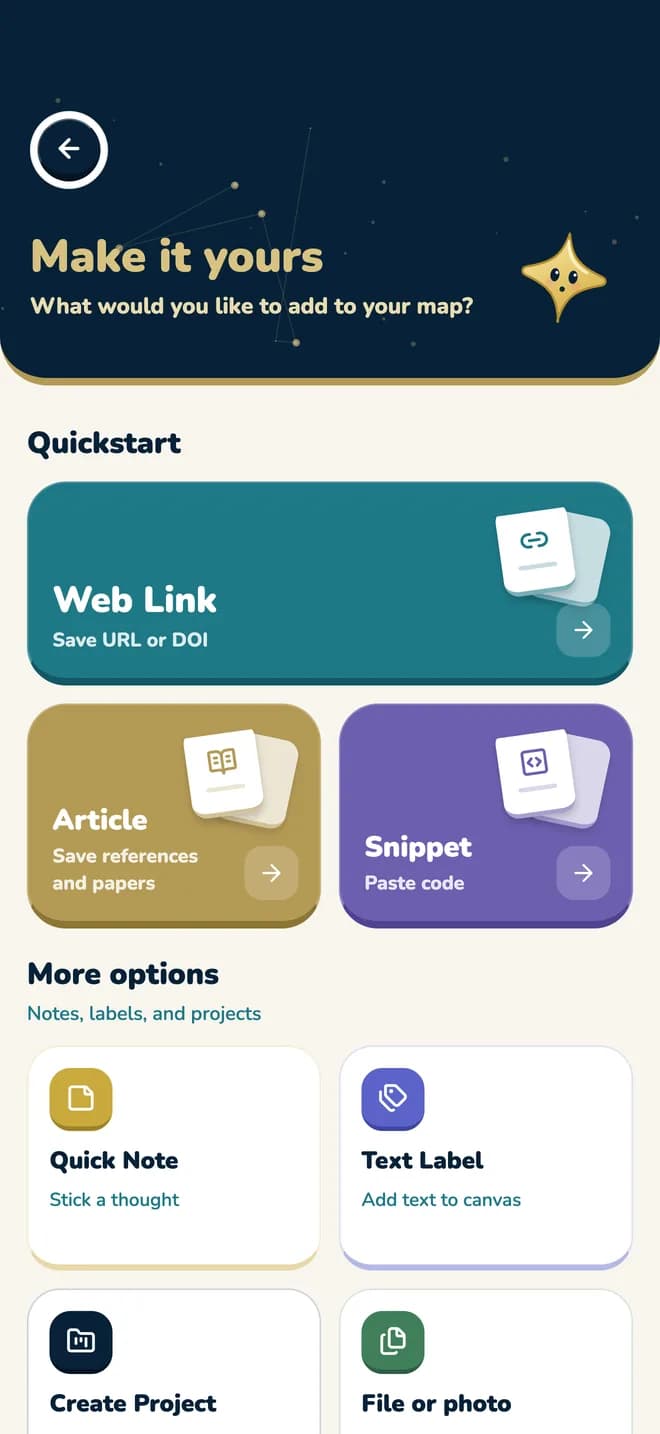
Group cards into projects, drag them to where they make sense and label the map in your own words.
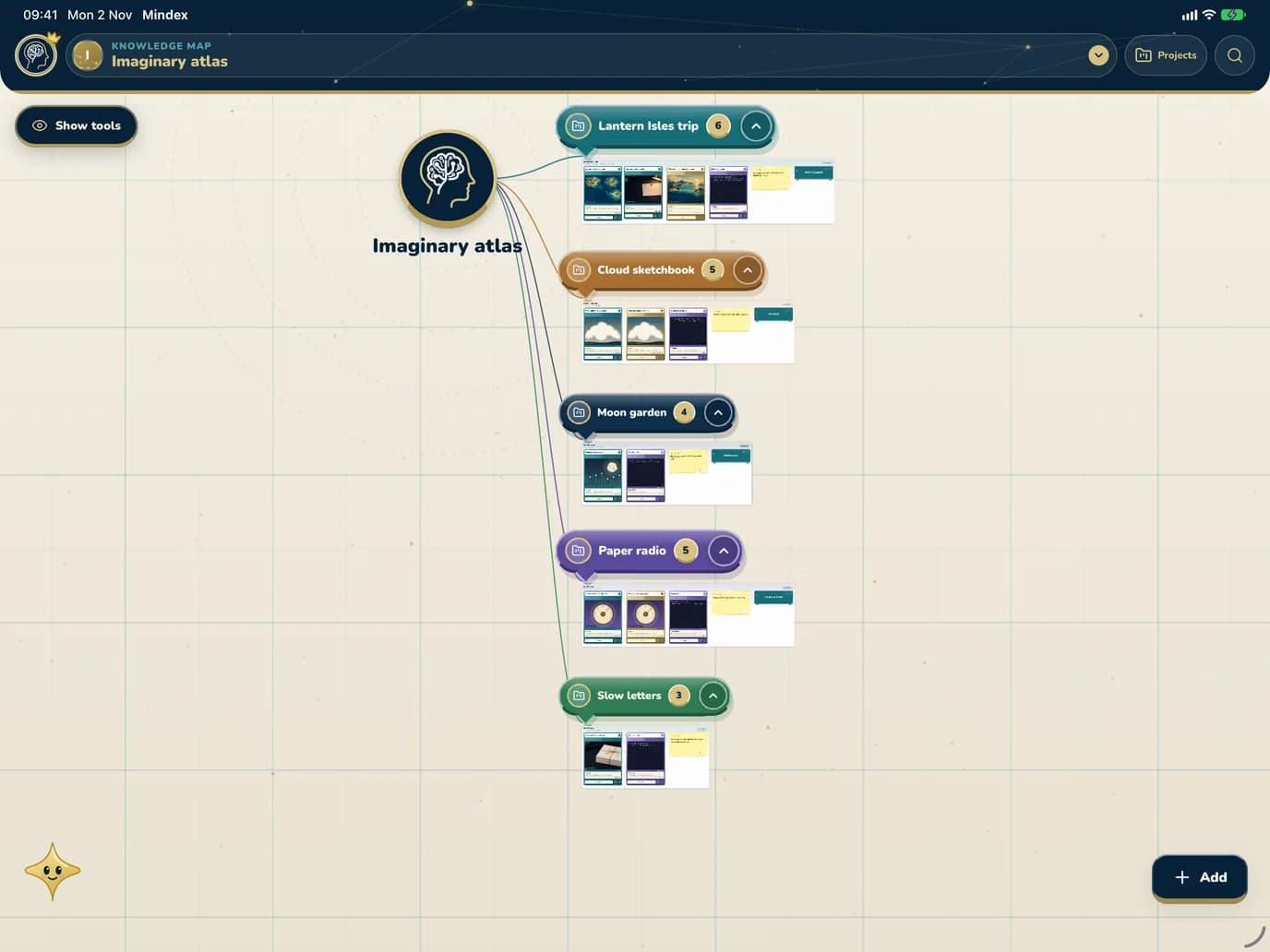
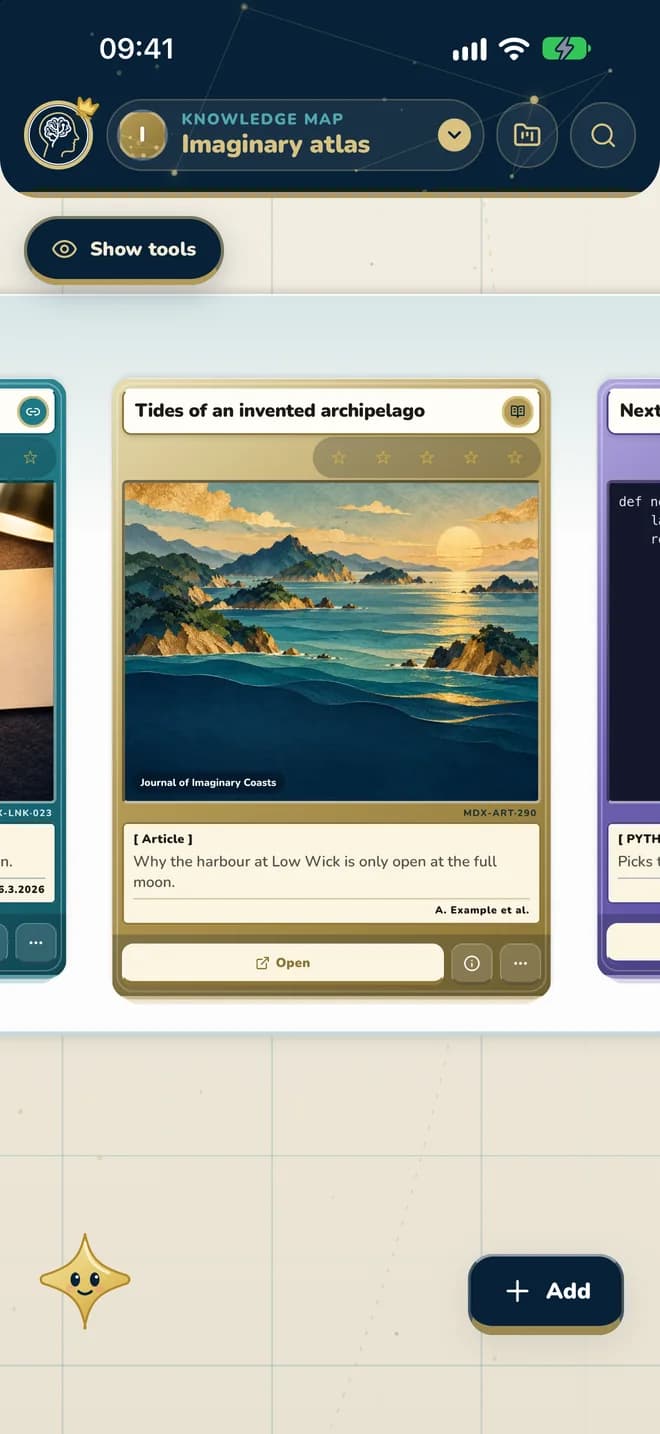
Each card and project can be moved: focus it and use the arrow keys, or drag it. Project buttons open and close a project. Everything on this sample map is invented.
 Imaginary atlas
Everything for a journey to islands that do not exist.
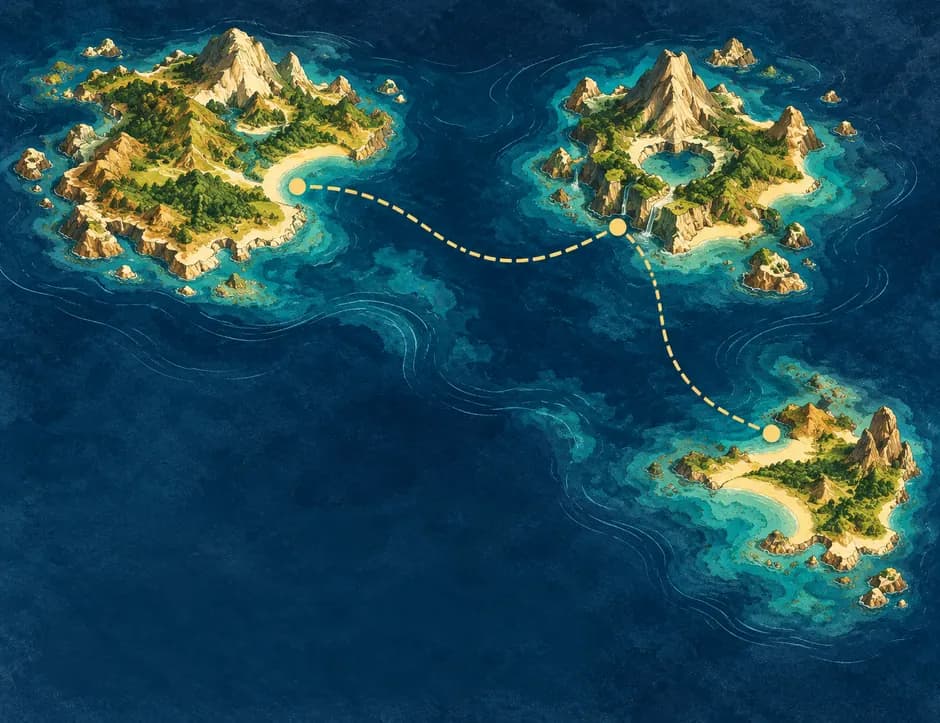
Which boat reaches the outer islands before the lamps are lit.
LNK·104Saved 14·02·26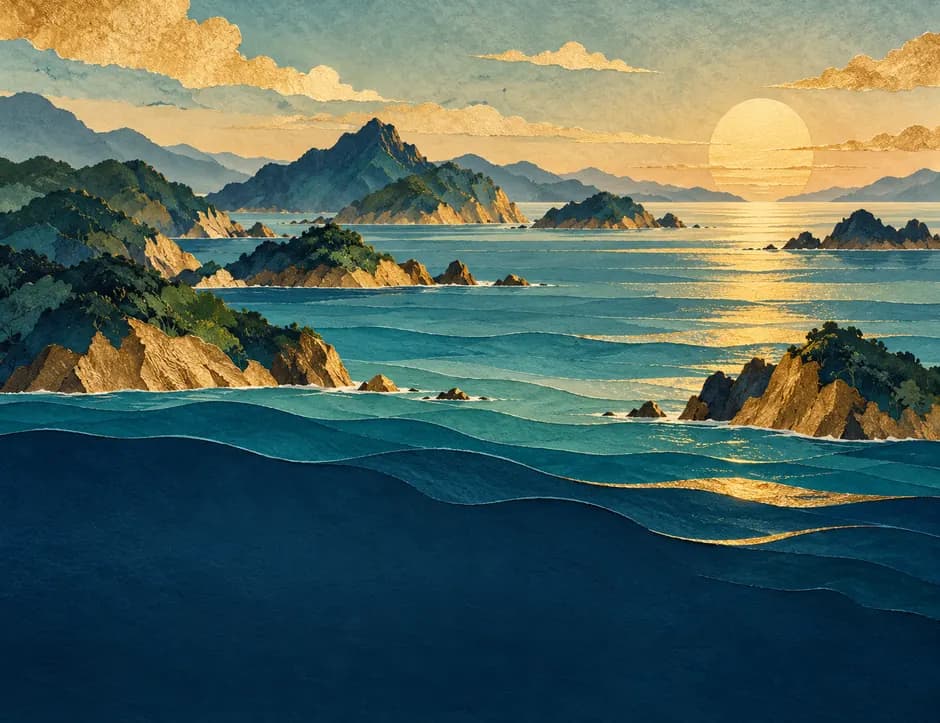
Why the harbour at Low Wick is only open at the full moon.
ART·217Saved 03·10·25Picks the next departure from the timetable.
SNP·330Saved 21·09·25Pack the blue tent. Ask about the lighthouse stairs.
Clouds worth drawing again.
Try the tall one at dusk, with less grey.
A garden that only opens at night.
Water only under a full moon.
SNP·482Saved 30·08·25Plant the silver ferns by the north wall.
Sample map, invented content
Drag a card. Open a project.
Zoom from every project at once down to a single card, or search and go straight there.
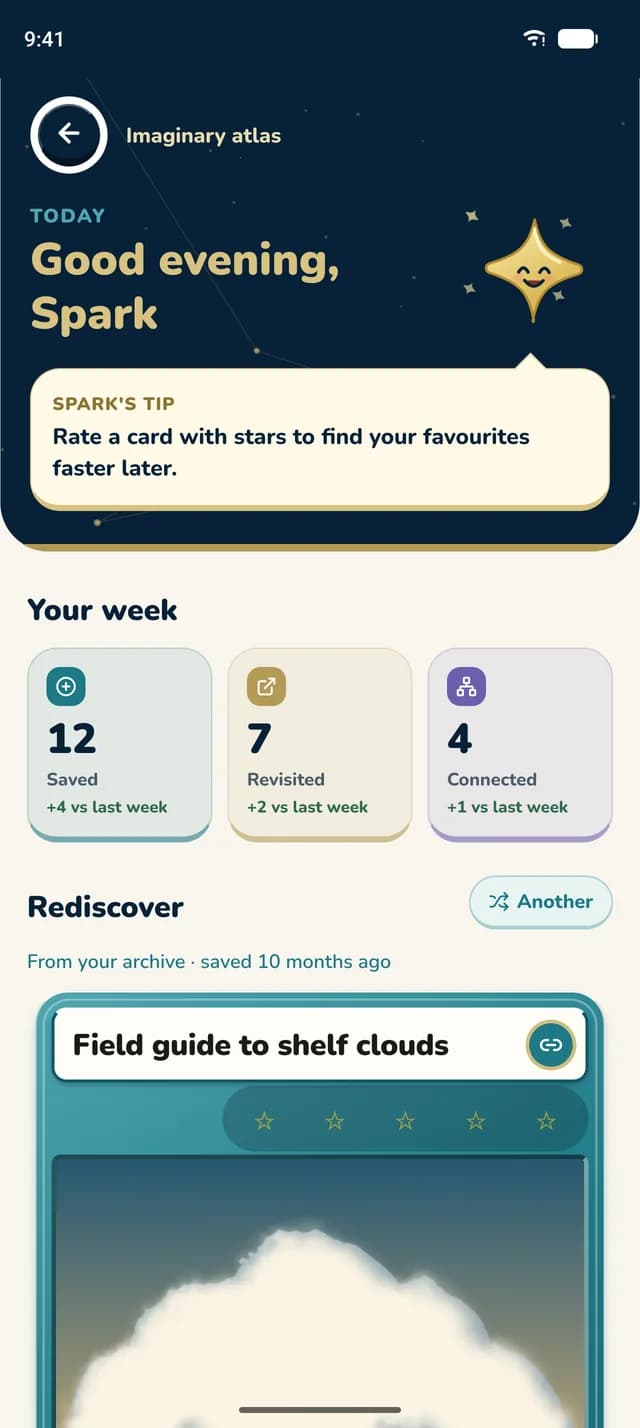
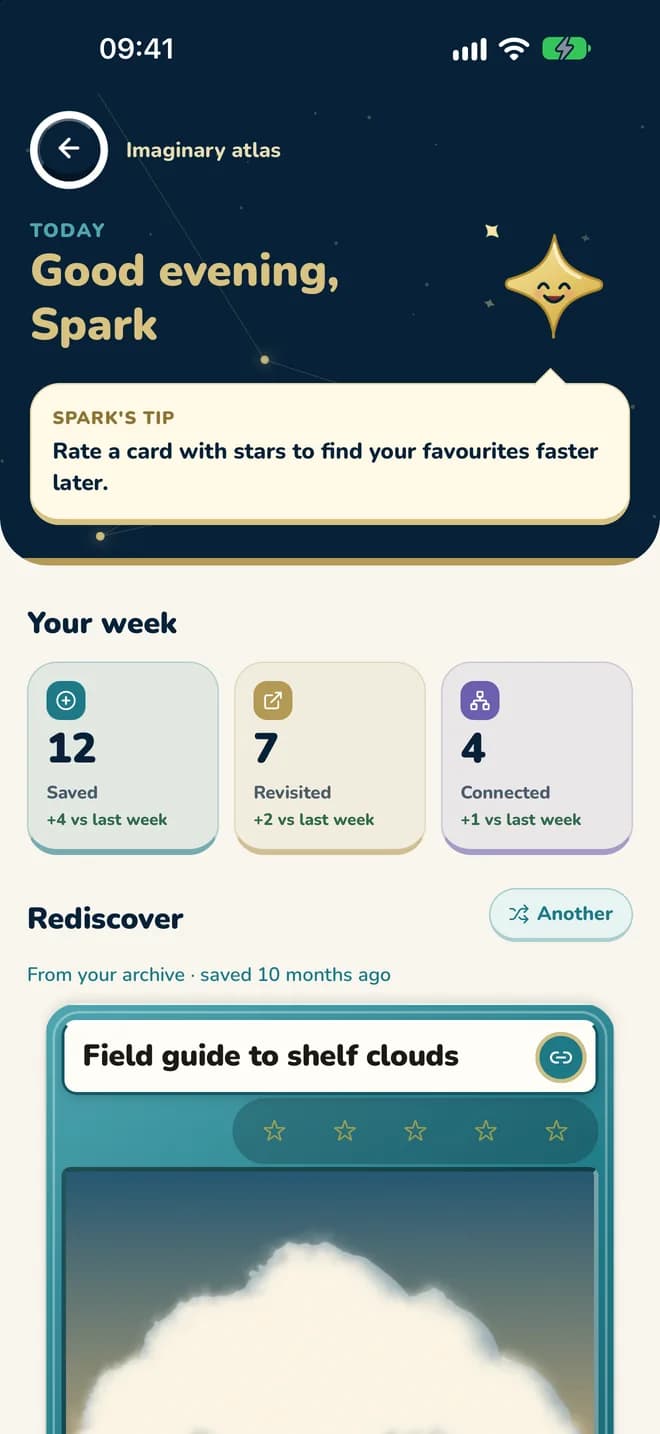
Spark lives on your map. Every day it greets you, shows how your week went and brings back something you saved a while ago.
Whether learning, building, or creating – the map adapts to your flow.
Save articles, cite sources, and export LaTeX references without spreadsheets.
Links, notes, and text labels stay draggable, color-coded, and easy to revisit.
Keep article links, abstracts, citations, and structured metadata together.
Store scripts, API calls, and design tokens right next to their sources.
Travel, recipes, workouts. Organize everything as cards to zoom through.
Both plans have limits, and here they are. The App Store or Google Play shows the price and renewal terms before you buy.
750cards
4 spaces and 25 projects
Every mark is 25 cards, to scale. The gold marks are everything Free holds.
New file and PDF uploads are turned off in this release.
Everything about ProStart for free, keep your workspace private, and export your collection whenever you need it.